How to Edit Scene Labels
Nov 6, 2023
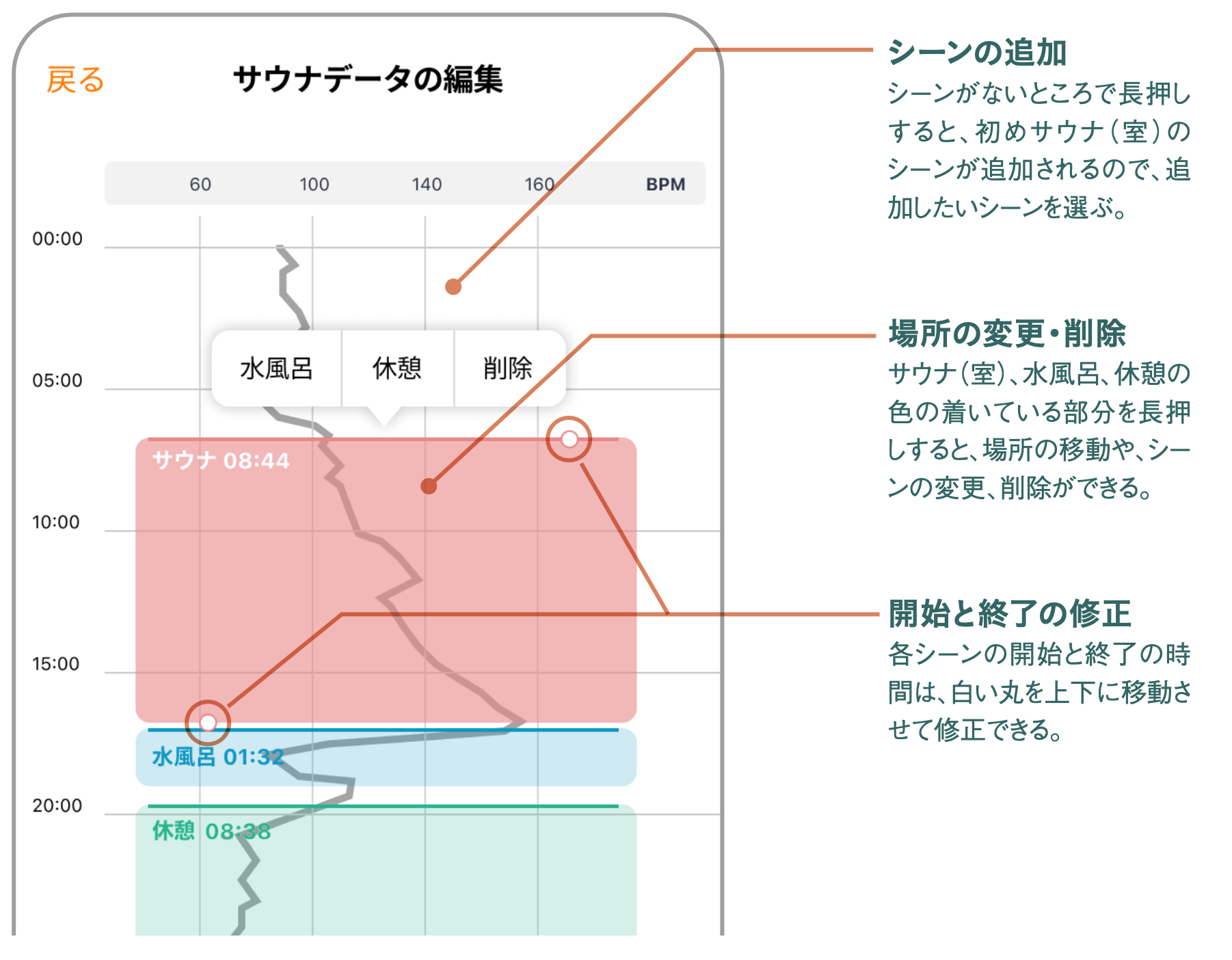
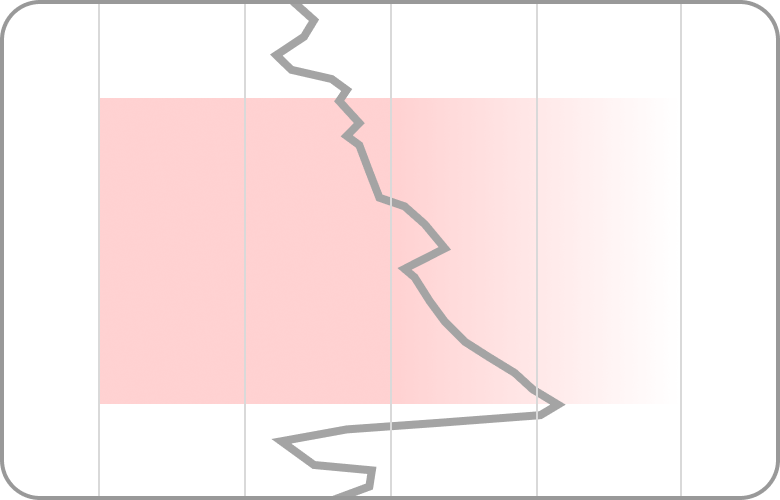
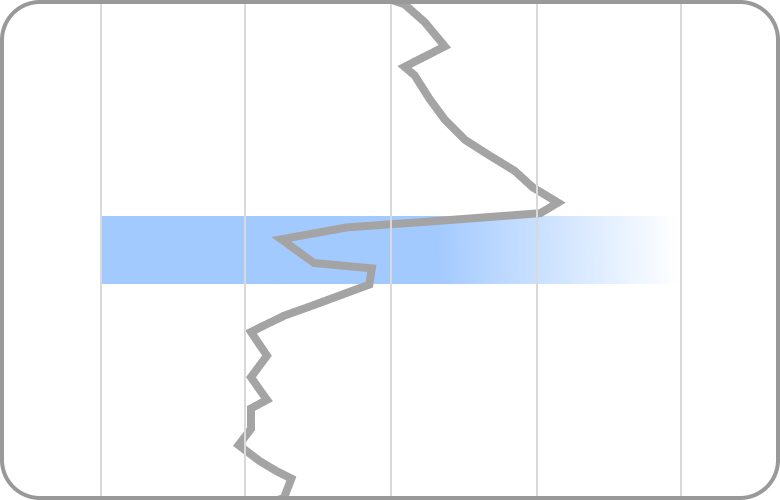
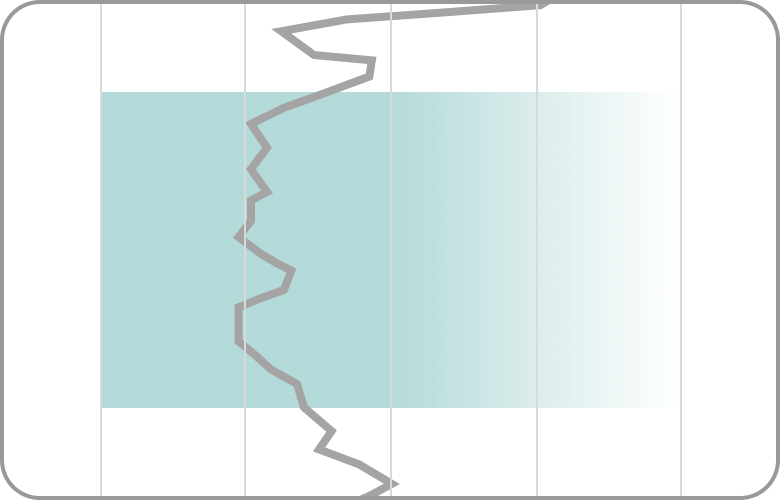
When you tap "Edit Scene Labels", each Scene (Sauna Room, Cold Bath, and Rest) will be displayed in different colors on the heart rate graph.
Edit Scene Labels
If the Scene did not change properly during your sauna session, you can adjust it using this edit screen.
If it does not match your actual activity, please edit the labels corresponding to each Scene.
After making adjustments, please return to the Totonoi Log edit screen.
💡 If there are not two or more labels among sauna, cold bath, or rest on the graph, the "T-Flow Score" cannot be calculated and will display as "- -".
💡 Sauna data can be edited within 24 hours of creating the Totonoi Log. The data will be locked after 24 hours.
💡 You can edit sauna data up to 3 times.
Tips for Estimating Each Scene
Sauna Room
Cold Bath
Rest
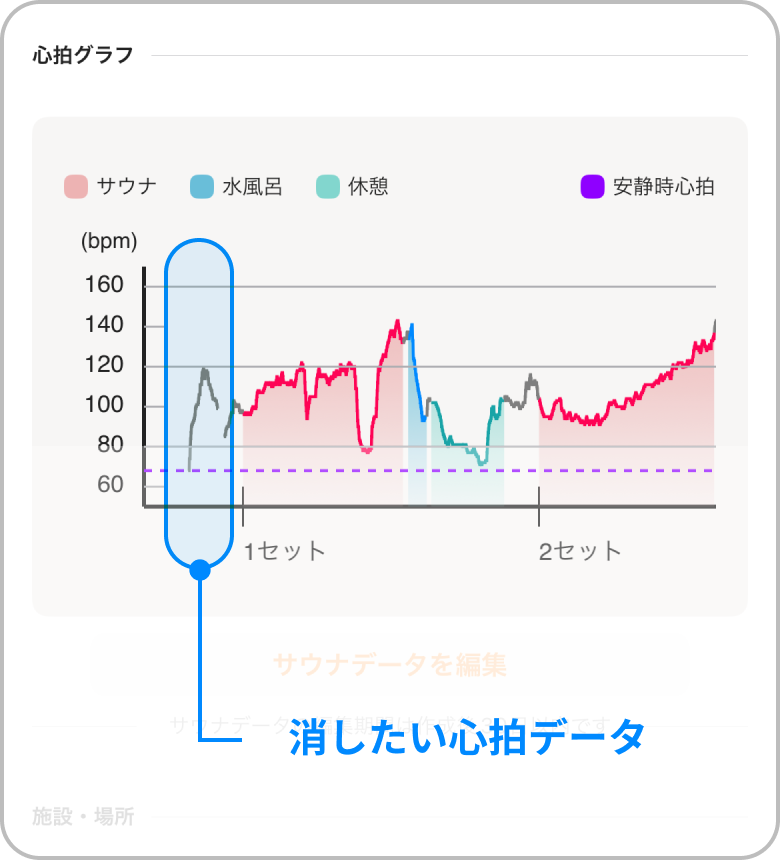
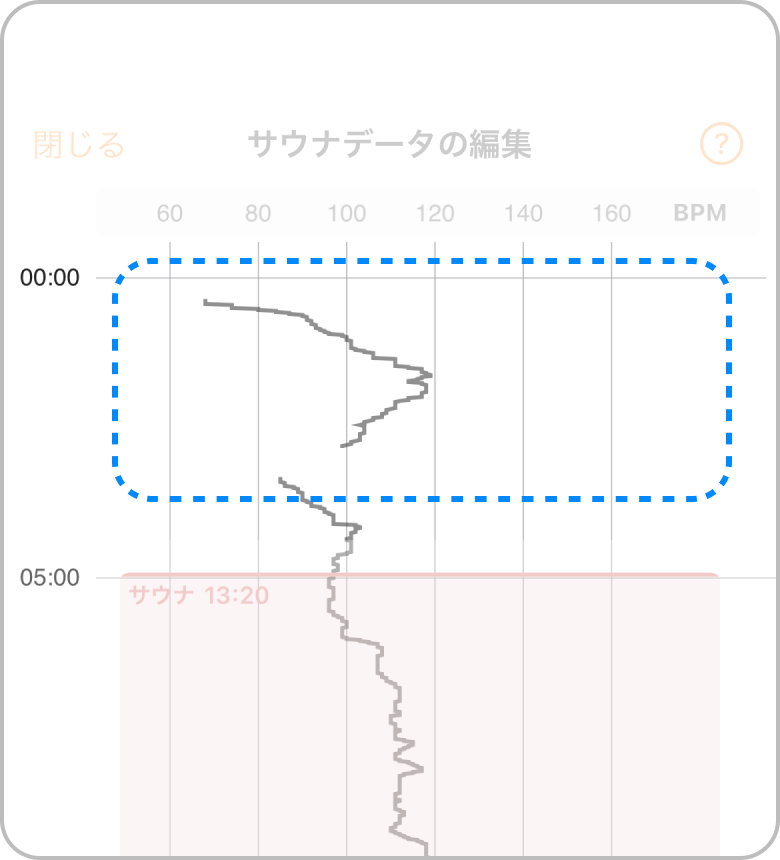
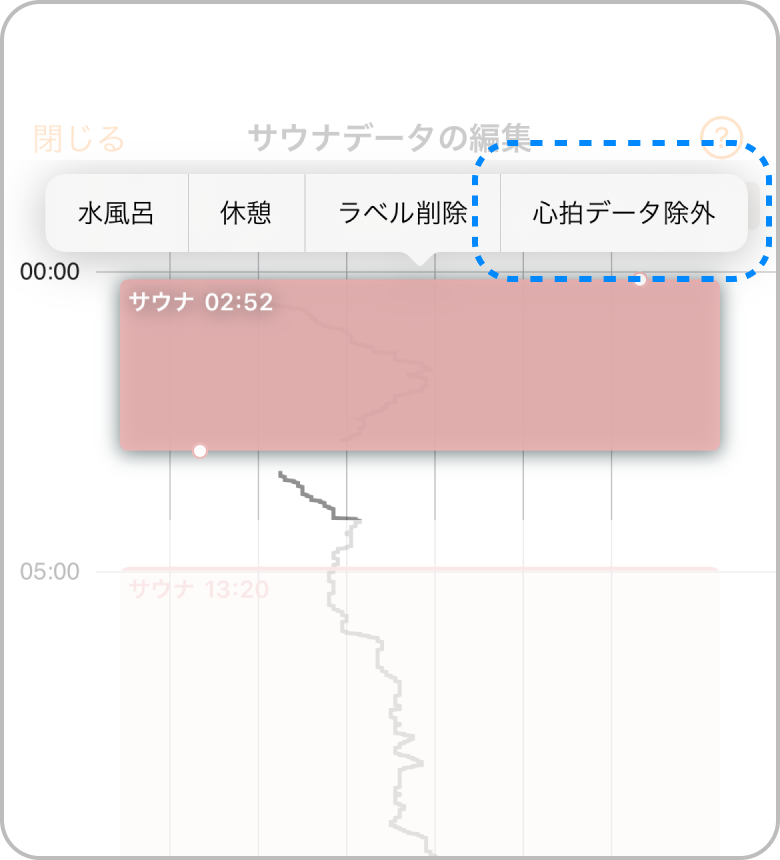
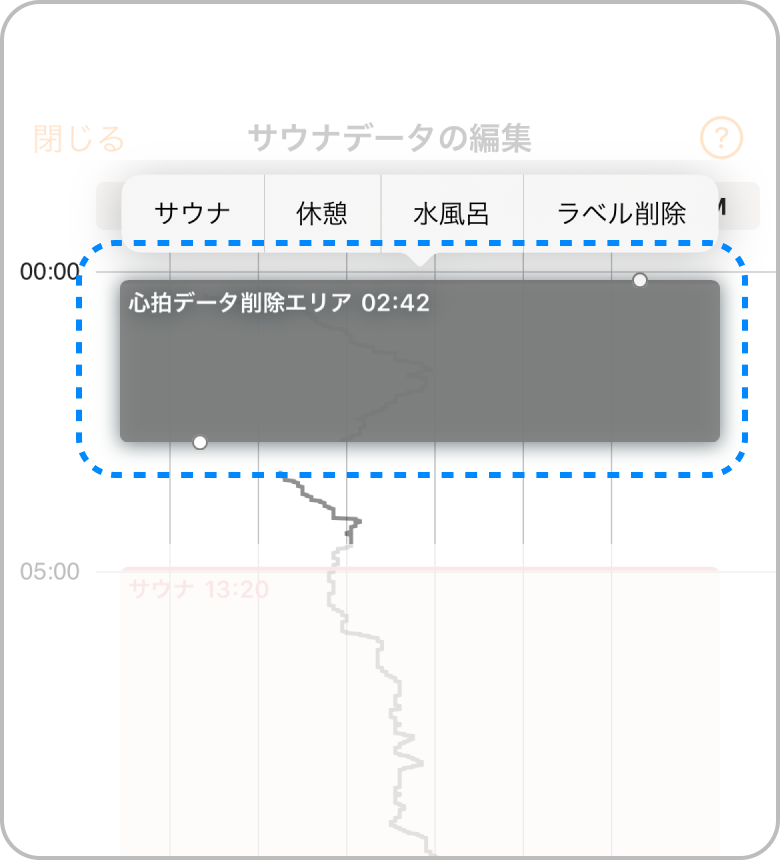
Excluding Heart Rate Data
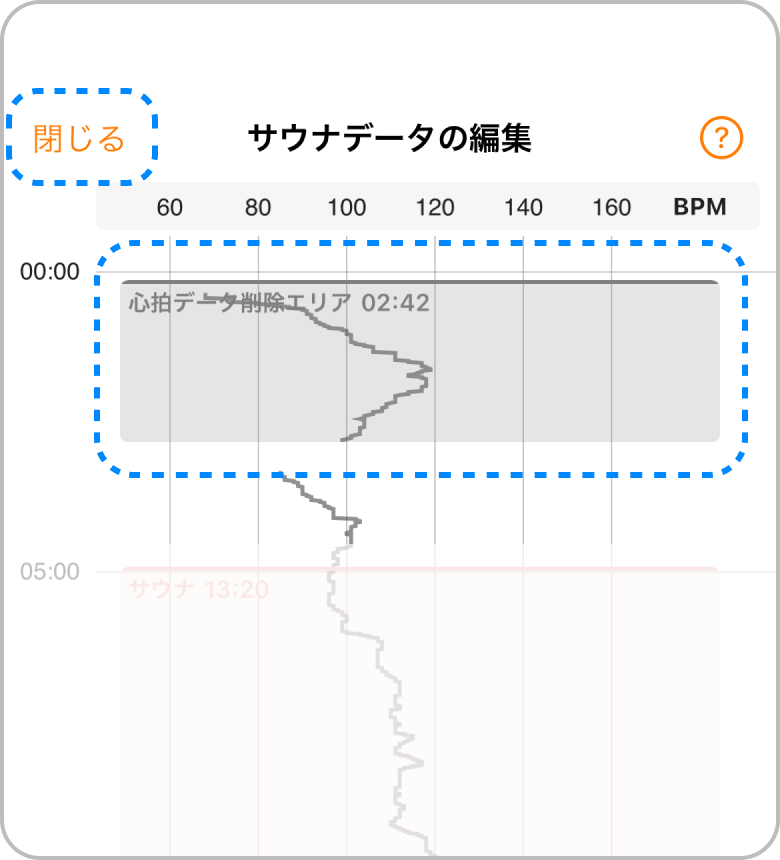
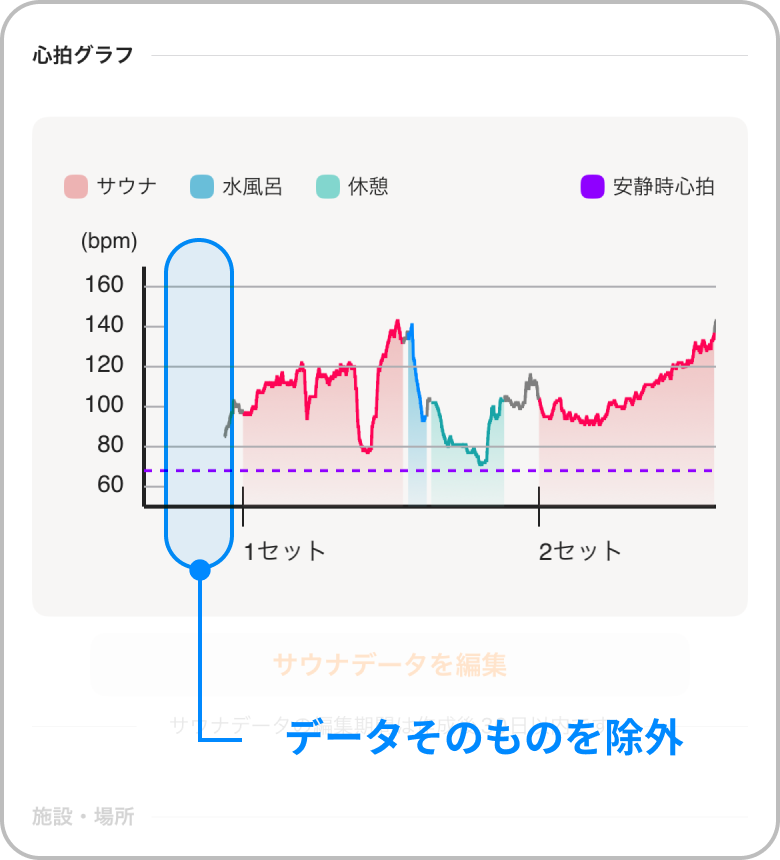
If unnecessary data is included,it is also possible to delete the heart rate data itself.
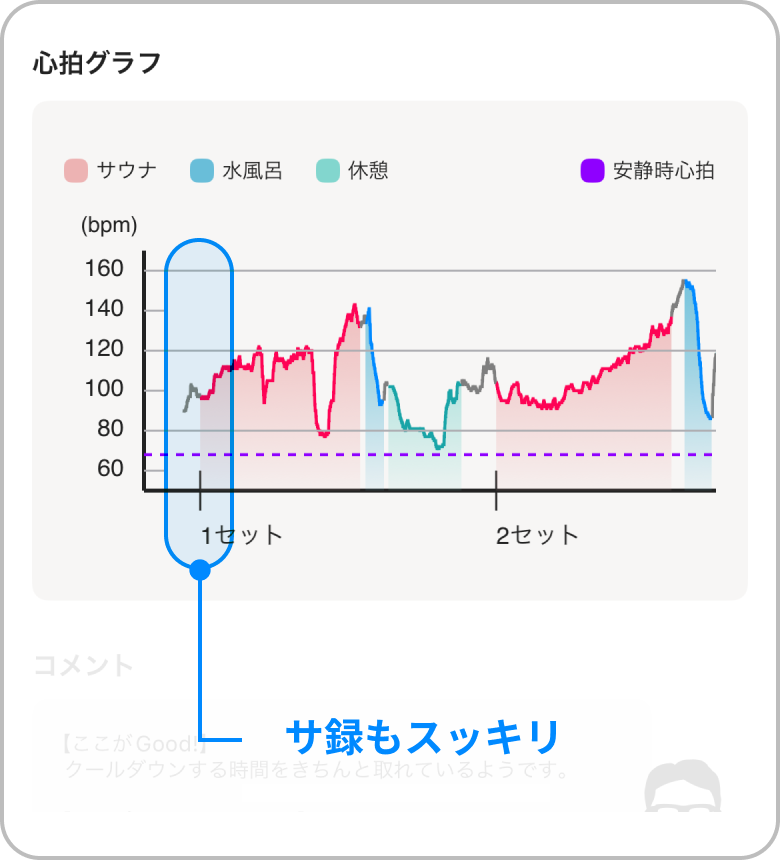
Once you finish editing with the 'Exclude Data' label applied,the data for the labeled section will be deleted.
If recording started before you entered the sauna, or if you forgot to end sauna mode, you can trim the heart rate data record itself to keep your Totonoi Log looking clean!